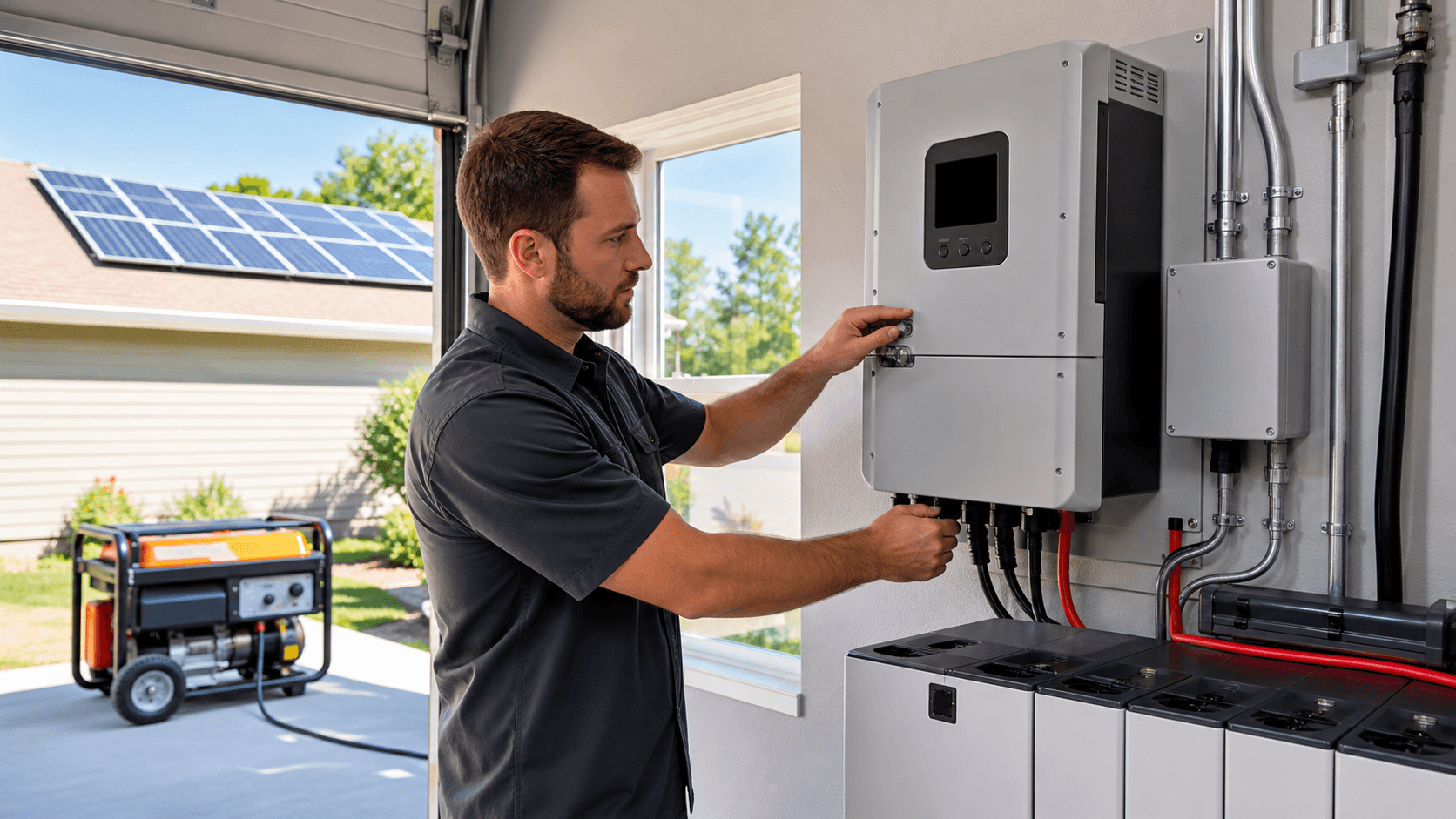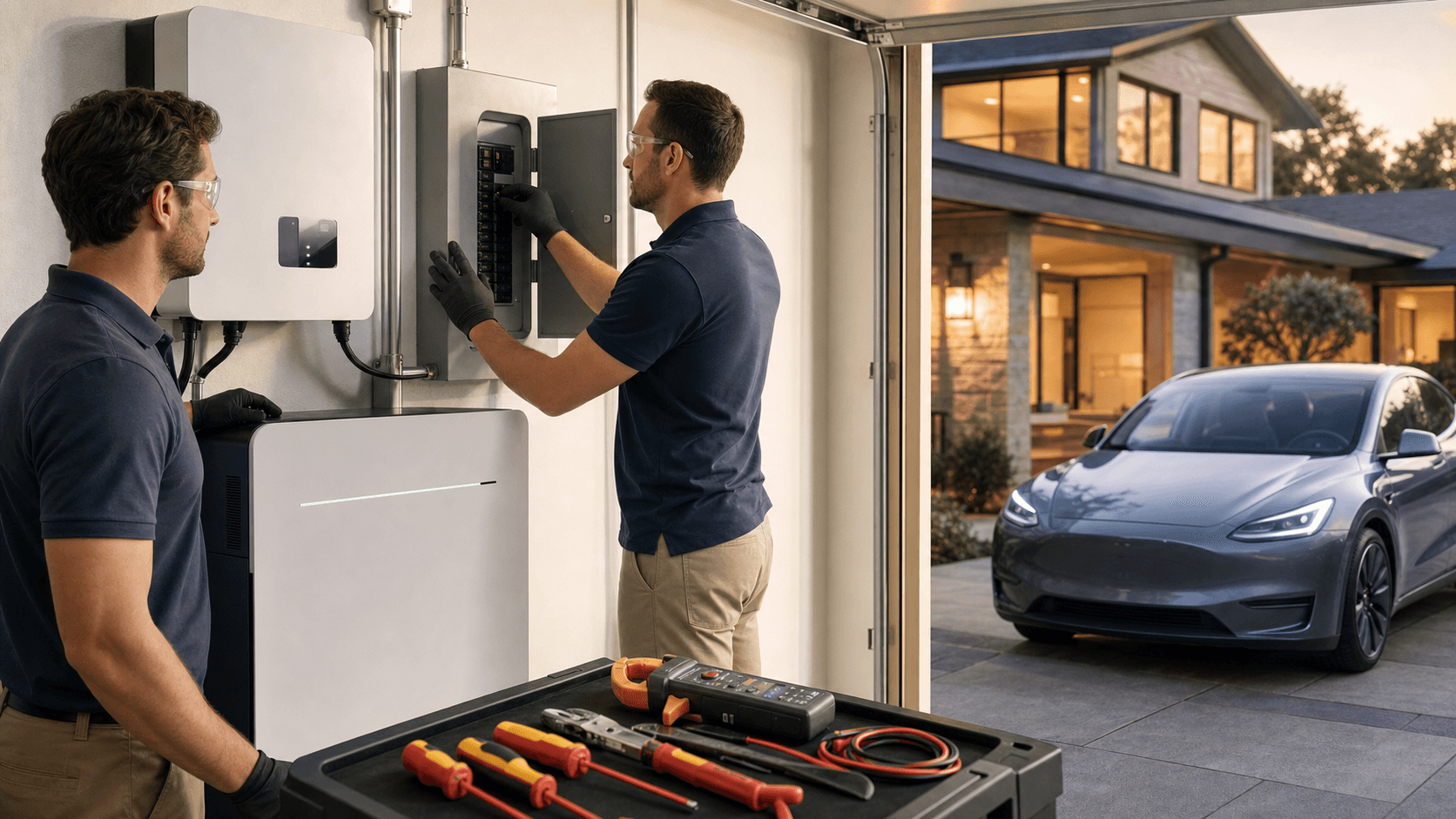
A planned pre-outage walkthrough turns your whole-home battery backup from a mystery box into something you actually trust. When storms hit, lines go down, or wildfire smoke pushes the grid to its limit, you already know what will happen in your home, because you practiced it on a calm day.
In this guide, we walk through a simple step-by-step test plan. We will cover how to safely simulate a grid outage, watch what your transfer switch does, confirm that every critical load you care about really stays on, and check how long your battery system actually runs under real use. Think of it as a safety drill for your power system, not a science project.
Turn a Blackout Into a Non-Event at Your Home
A summer storm rolls in, the sky goes dark, and then the street outside goes black. Inside your home, the fridge hums, a few lights stay on, the Wi-Fi keeps working, and your family barely pauses what they are doing. That calm feeling only happens if you tested your whole-home battery backup before the season got wild.
A planned pre-outage walkthrough matters most as late spring turns into hot, stormy weather. Heat waves, sudden storms, wildfire smoke, and grid maintenance can all hit around the same time. The grid gets stressed, but your home does not have to. A quick practice run now helps you find weak spots in your setup while it is still safe and easy to fix them.
Think of this test like a fire drill, but for power. It can reveal:
- Transfer switches wired wrong or set up poorly
- Circuits that are not actually protected like you thought
- Loads that are too heavy for your current battery plan
In the steps below, we will walk through how to safely simulate an outage, check your transfer switch, test your critical loads, and see if your runtime guesses match real life.
Prep Your Home and System for a Safe Test
Before you flip anything off, slow down and set up the test the right way. Safety always comes first with whole-home systems.
Start with these checks:
- Make sure your system was installed by a licensed pro and meets local codes and utility rules.
- Pull out your one-line diagram, panel labels, and any installer paperwork so you know what is on backup.
- Open your battery or inverter app and confirm it shows a full or near-full charge.
- Check for firmware or software updates and install them ahead of time.
- Confirm that Wi-Fi or cellular monitoring is working so you can watch the test in real time.
Around the house, treat the test like a mini event. Tell everyone when it will happen, and what you are doing. Unplug or shut down electronics that do not have surge protection, especially older TVs or desktop PCs. Keep a few flashlights or headlamps handy just in case something does not switch over the way you expect.
Late May is a smart time for this. Temps are climbing, AC and fans are working harder, and storm season is waking up in many places. Battery performance is affected by heat, and cooling loads can pull more power than you think, so testing now gives you a clear picture before the grid gets beaten up by peak summer demand.
Simulate a Grid Outage and Watch the Transfer
Now we get to the heart of the walkthrough, safely "pulling the plug" on the grid to see how your system behaves.
Only follow methods that match your equipment and installer advice. Common options are:
- Turning the main breaker in your service panel to the off position
- Using the transfer switch test function or "maintenance" mode if it has one
Follow the manufacturer's instructions step by step. If anything is unclear, stop and ask your installer before you continue.
As the outage starts, pay attention to a few key things:
- How long does it take for the lights to come back or stay on?
- Do lights flicker hard, or just blink once?
- Do the internet router, mesh system, and any medical devices stay powered?
- Do any strange noises come from the inverter, transfer switch, or panel?
Next, confirm the transfer switch is doing its job. Only circuits that are meant to be backed up should be energized. The grid side must be fully isolated so power does not backfeed into outside lines. Indicator lights, screens, or your monitoring app should clearly show the system in backup or island mode.
It helps to take notes or a quick video during the transfer. If anything feels slow, loud, or off compared to what you were told to expect, that record makes it easier for a pro or for our team at Green Vista Living to help you sort it out later.
Confirm Every Critical Load You Care About
Now that your home is running on battery power, this is your chance to see what really works when the grid is out.
Critical loads are the things your family truly needs, not just what someone guessed during install. Common ones include:
- Refrigeration: fridge and freezer
- Water: well pumps, pressure systems, sump pumps
- Comfort: furnace blower, mini-splits, a few fans
- Safety and access: security system, cameras, garage door opener
- Connectivity: Wi-Fi, router, core outlets for charging phones and laptops
- Medical or special devices that cannot lose power
With the system in backup mode, walk the house with your panel labels in hand. Test each item you expect to be protected:
- Open the fridge and listen for the compressor cycling.
- Turn on the well pump by running water or flushing a toilet.
- Start the furnace blower or mini-split if your installer said they are backed up.
- Check lights in every room that is supposed to be on the critical loads panel.
- Test the garage door, security system, and internet.
Look for surprises. You might find outlets that are dead even though they sit next to ones that work. A room you thought was covered might be off the backup panel completely. Large appliances like electric ovens, dryers, or central AC may work but pull so much power that they cause your battery to drop fast or even trip the system.
If you spot gaps, do not panic. Use what you learn to fine-tune:
- Ask your installer about moving circuits on or off backup.
- Add clear labels on the breaker panel and a simple map for the family.
- Talk through which things stay on and which stay off in a real outage.
Validate Real-World Runtime Against Your Assumptions
On paper, runtime often looks generous. In real life, things are messier. State of charge, inverter efficiency, heat, and normal family behavior all change the numbers.
To run a simple, controlled test, try this:
- Start with batteries at 100 percent.
- Simulate a grid outage the same way you just practiced.
- Live fairly normally for a set time, maybe 2 to 6 hours.
- Watch your load and battery level in the app.
Pay attention to:
- Peak and average watts during the test period
- Which devices cause sharp spikes, like microwaves, well pumps, or space heaters
- How quickly the battery drops when AC, mini-splits, or window units cycle on in warm weather
By the end, you will have a clear sense of how many hours of "business as usual" your system can support. Use that to update your expectations. You may decide that in a long outage you will skip the oven, run fewer rooms of AC, or turn off some lights.
If the test shows your battery drains faster than you would like, this is good information, not failure. You can talk with your installer or a backup power specialist about whether to adjust habits, expand battery capacity, add solar, or plan for a generator for very long emergencies.
Lock in Your Backup Routine Before Storm Season Hits
A full pre-outage walkthrough is not something you only do once. Running a shorter version once or twice a year keeps your system familiar and catches small issues before they turn into big problems.
Many homeowners like to build a simple "outage playbook" that includes:
- A checklist of what to switch off first to save power
- Which outlets and rooms are backed up
- Who checks the battery app and how often
- When to start conserving harder if an outage looks long
Here at Green Vista Living, we focus on off-grid and backup power, sustainable living gear, and outdoor tools that support energy-independent homes and cabins. When you understand exactly how your whole-home battery backup behaves, an outage stops being a stressful surprise and turns into something close to routine, just another part of living prepared and independent.
Get Started With Your Project Today
Take the next step toward reliable home energy by exploring our whole-home battery backup solutions tailored to your space and power needs. At Green Vista Living, we guide you through system sizing, product selection, and installation planning so you can feel confident in every decision. If you have questions or want personalized recommendations, just contact us and we will help you get started.