Keep Your Workday Moving When the Grid Goes Down
A power outage can bring a remote workday to a sudden stop. Video calls freeze, cloud files become harder to reach, and a dead router can cut off communication with clients and coworkers. During fall storm season, even a short interruption can throw off deadlines and create a lot of unnecessary stress.
We help customers think through backup power with their real daily needs in mind. An Enphase setup, when paired with properly planned solar equipment, battery storage, and system controls, can keep selected home circuits powered during an outage. The bigger question is whether it can keep your particular office online. That depends on your office load, battery size, available solar production, internet service, and the rest of your home's power use.
How Enphase Backup Power Supports Home Office Loads
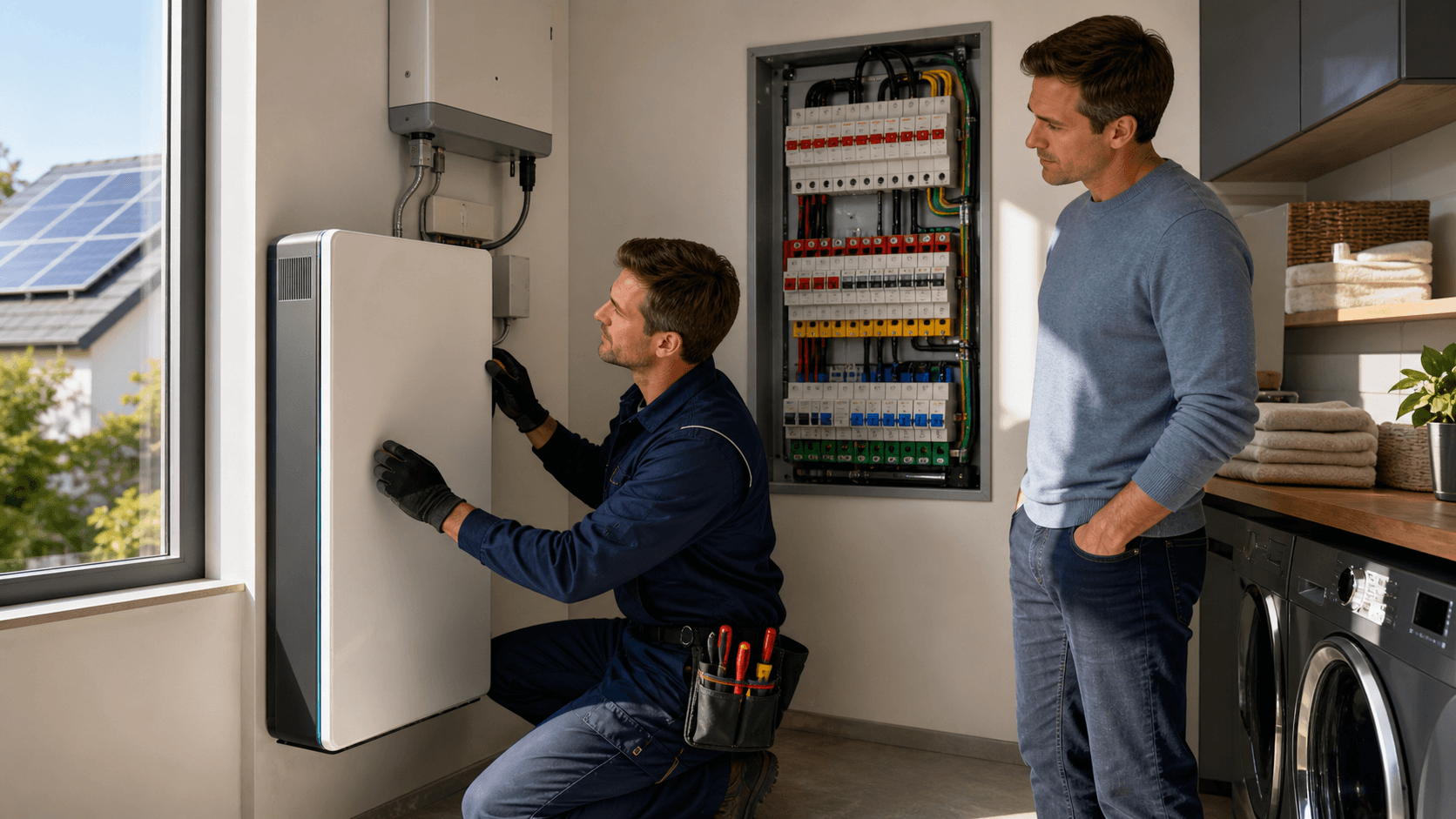
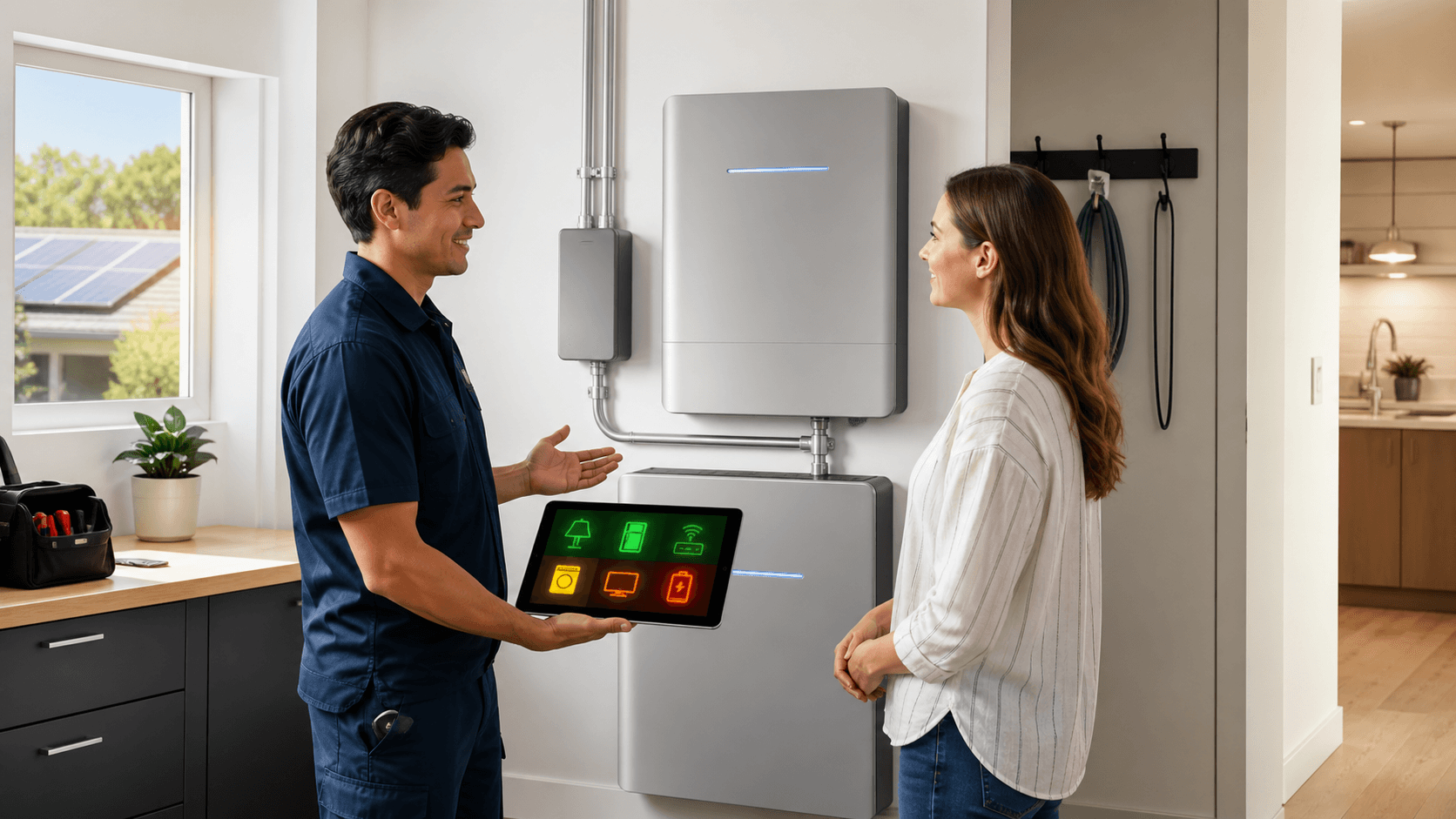
An Enphase backup system is designed to supply power to selected circuits when the grid is unavailable. Rather than trying to run every electrical item in the house, a planned system can focus on the devices that keep your workday going.
For many remote workers, that priority list includes:
- A laptop or desktop computer
- One or more monitors
- A Wi-Fi router and modem
- Phone chargers and task lighting
- A small printer or other low-power accessory
This is where thoughtful load planning matters. A home backup battery power supply does not automatically mean the entire home will operate as usual. Battery capacity, available power output, configured backup circuits, and what everyone in the household is using all affect the result.
High-demand appliances can drain stored energy much faster than office gear. Electric dryers, ovens, central AC systems, and electric water heaters may need to stay off during an outage if your goal is to protect runtime for work and connectivity. We generally recommend making office equipment, internet hardware, refrigeration, and safety-related lighting the first priorities when a system is being designed.
Size a Home Backup Battery Power Supply for Work
Before choosing a battery setup, we suggest getting clear on what your office actually uses. Start by making a list of the devices you need during an outage. Look for each item's wattage, estimate how many hours you expect to run it, and calculate the approximate watt-hours required.
The basic idea is simple: watts multiplied by hours equals watt-hours. A computer that uses more power for a longer period will require more stored energy than a phone charger or LED lamp. Keep in mind that a device's label may show a maximum rating, while its everyday use can vary.
A modest office setup often requires far less energy than major appliances. Keeping a laptop, monitor, router, modem, and a few lights running may be a realistic backup goal, even when powering the full home around the clock is not.
Battery capacity and power output are related, but they are not the same thing. Capacity affects how long your equipment can run. Power output affects whether the system can handle the devices you switch on at a given time, including equipment with higher operating or startup demands. A properly planned Enphase system accounts for both, rather than focusing on only one number.
What Remains Online During an Enphase Outage
With the right circuits included in the backup plan, your work area can remain a usable place to get things done. Low-power electronics tend to be practical loads for battery backup, especially when larger household equipment is limited.
Your outage-ready office may include:
- A computer, monitor, keyboard, and mouse
- A modem, router, and network switch
- Mobile phones, tablets, and charging stations
- LED lamps and low-power peripherals
- A printer used only when needed
Still, powering a router does not guarantee that the internet will be available. Your provider's local equipment, neighborhood network infrastructure, or cellular service may also be affected during a larger outage. A working Wi-Fi signal only helps if it still has a connection beyond your home.
That is why we encourage a layered continuity plan. Keep a charged mobile hotspot available, maintain battery backups for sensitive electronics, and save offline copies of files you may need quickly. It also helps to decide ahead of time how you will notify clients or coworkers if a storm affects your connection. A short, prepared message can save time when conditions are already hectic.
Prepare for Fall Storms and Shorter Solar Days
October is a smart time to test your backup plan. Storm risks can rise, daylight hours become shorter, and changing weather can affect solar production. Waiting until the lights are already out is not the best moment to learn which outlets, circuits, and devices are supported.
Solar can help replenish a home backup battery power supply during daylight hours when the system is configured for backup operation. How much recharge is available will depend on cloud cover, seasonal sunlight, roof conditions, solar equipment, and the power being used inside the home. On a bright day, solar production may support your loads and charge storage. On a stormy day, conserving power may matter more.
Before rough weather arrives, we recommend reviewing a few basics:
- Confirm which circuits are set up for backup
- Check battery status and charge personal devices
- Test Wi-Fi equipment and your hotspot plan
- Reduce unnecessary loads before an outage begins
- Make sure everyone in the home knows what the system can support
A brief practice run can reveal surprises, such as a modem plugged into a non-backup outlet or a monitor that uses more power than expected. Professional guidance can help ensure your equipment and backup priorities match the way you actually work.
Build a Reliable Home Office Backup Plan
Enphase backup power can help keep a home office productive when an outage occurs, but the answer is not the same for every household. A carefully sized system can support selected work and connectivity loads, while a plan that ignores large appliances or internet limitations may fall short of expectations.
The most useful preparation is knowing your must-have devices, the circuits that power them, and how long you need them to run. When your backup plan is built around realistic loads and seasonal conditions, you can focus less on the outage and more on the work in front of you.
Build a More Dependable Workday
Green Vista Living can help you compare a home backup battery power supply that fits your office equipment and household priorities. We offer Enphase backup options designed to support essential circuits with a thoughtful, tailored approach. Have questions about your setup? Contact us to discuss your goals with our team.