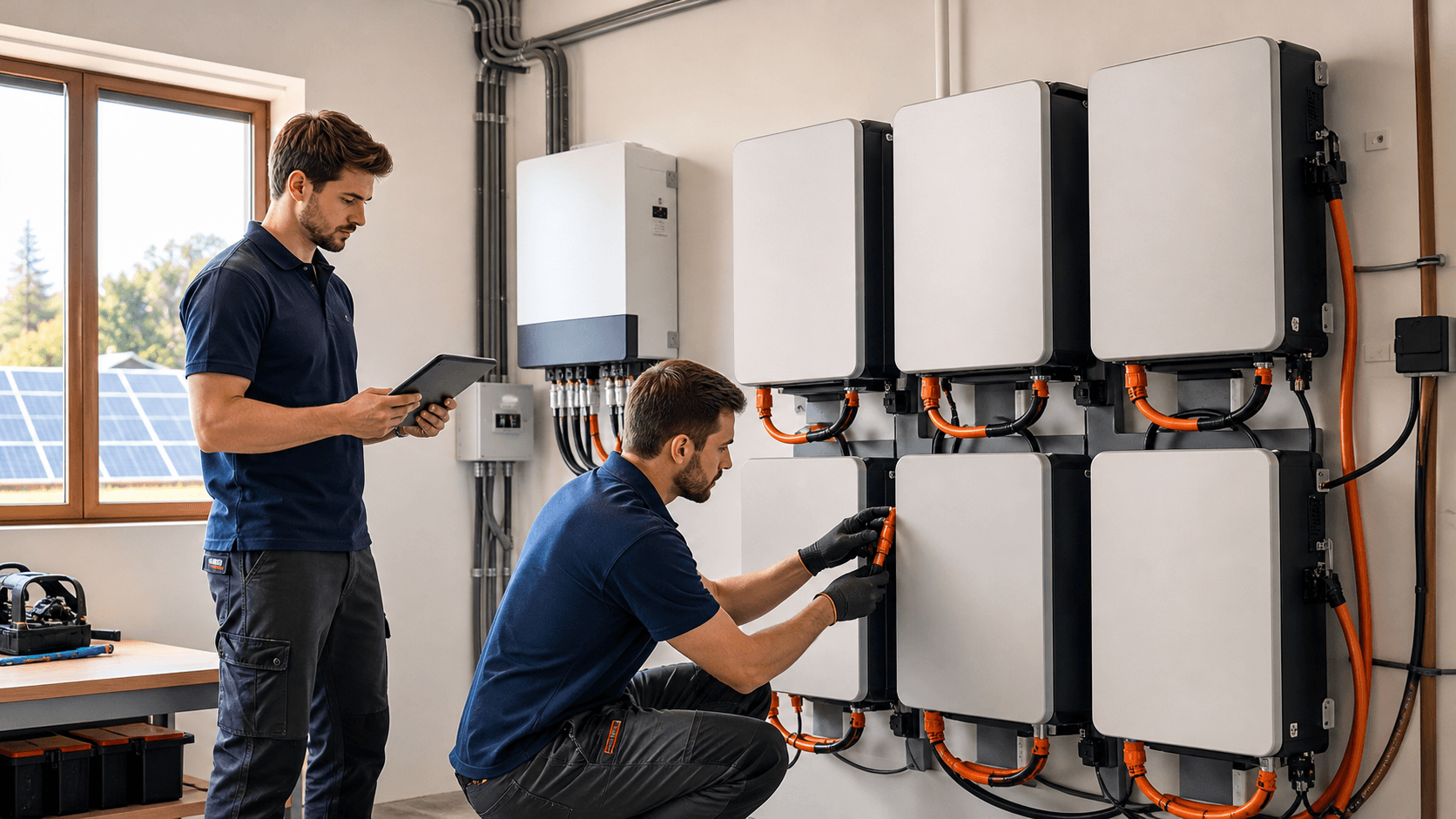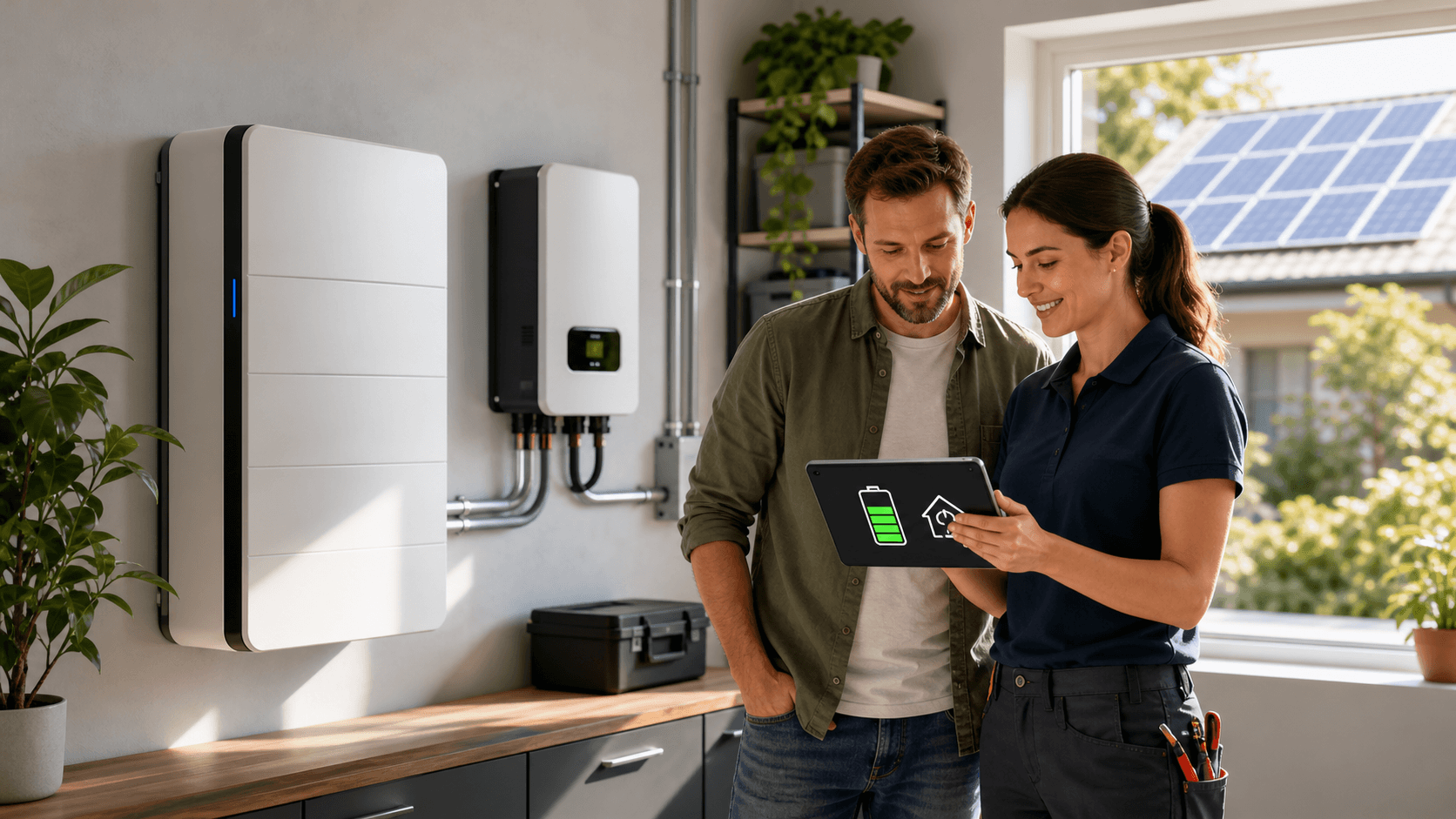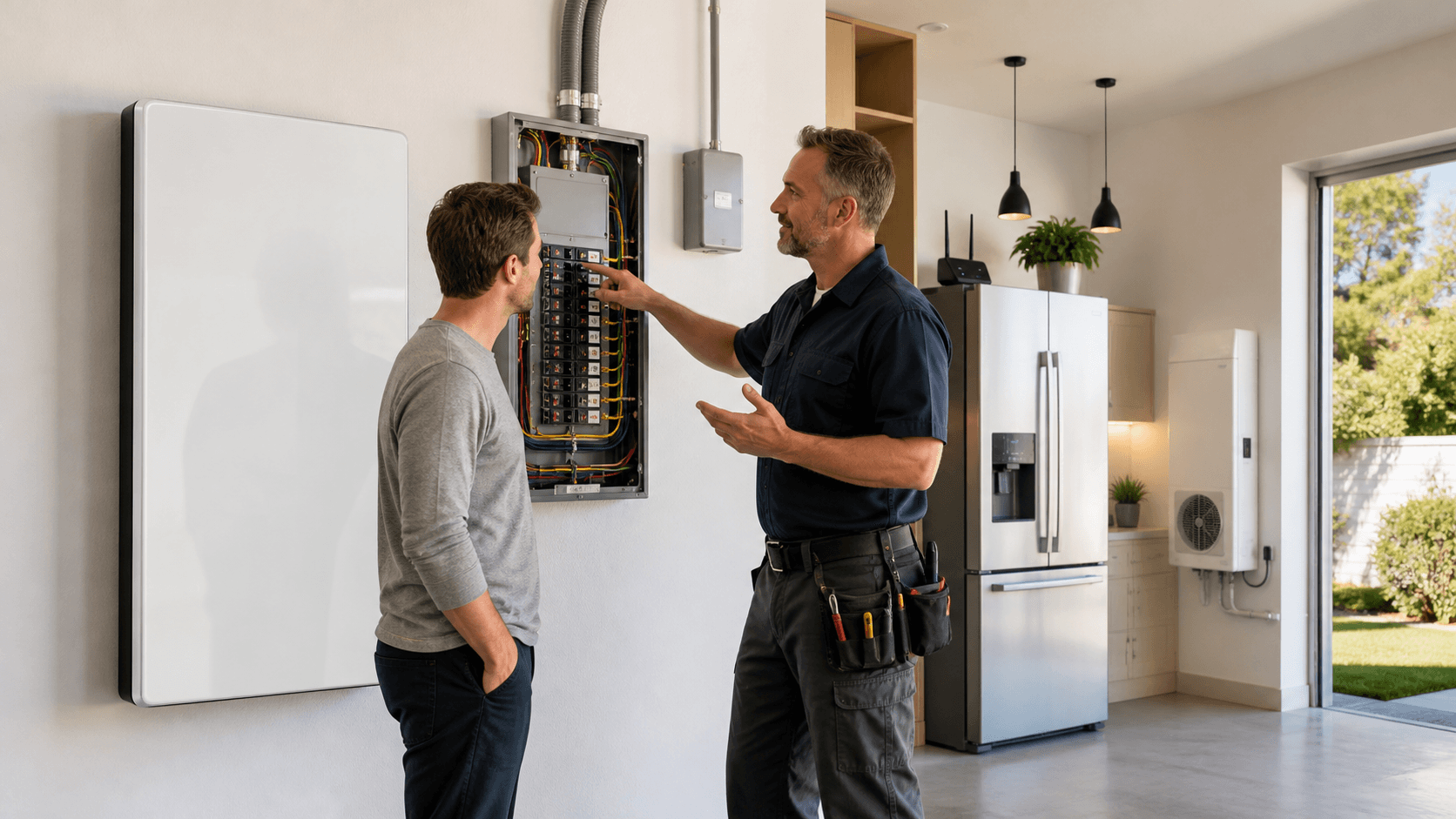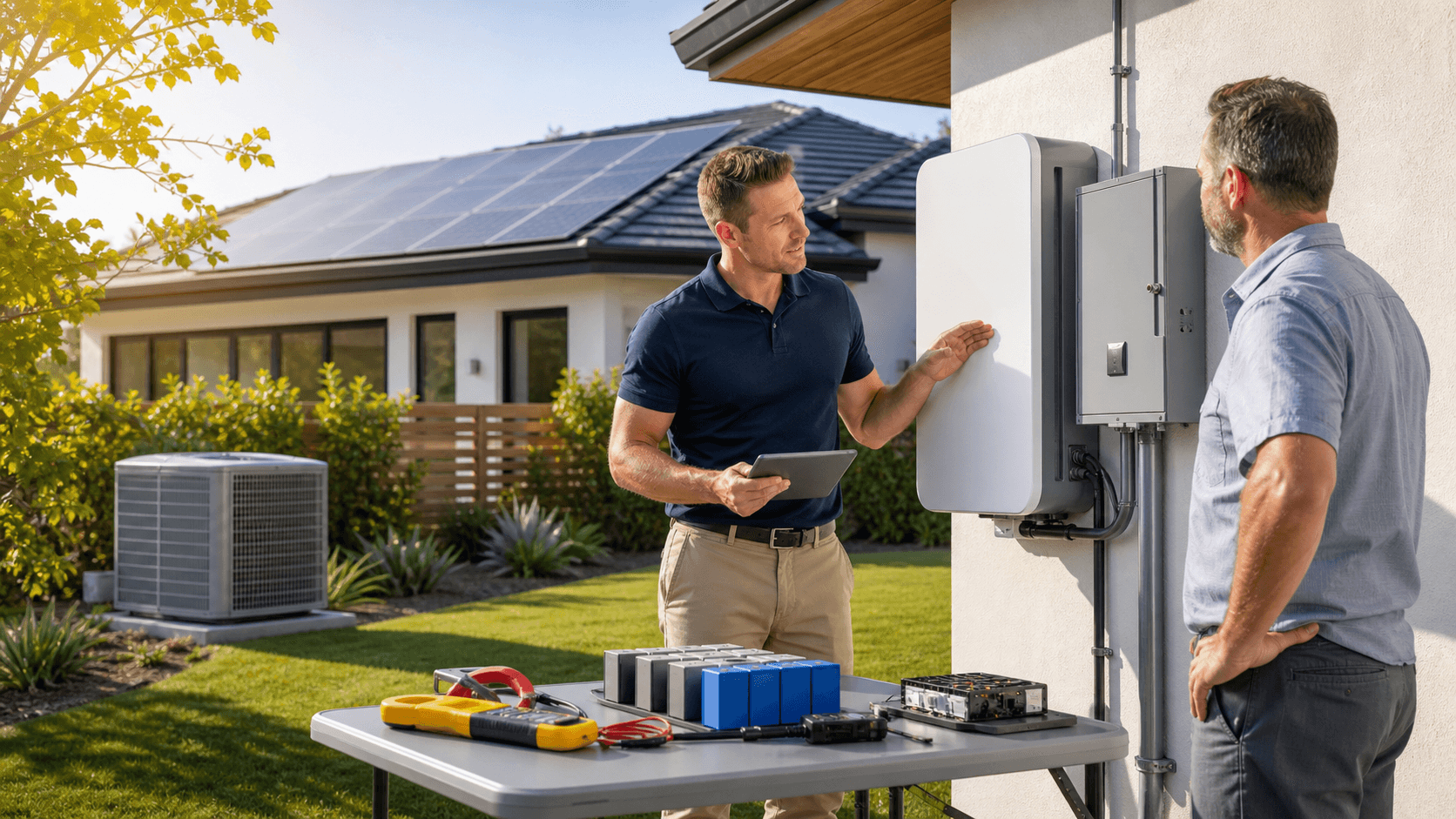
A home backup battery can turn a late-summer blackout from a sweaty scramble into a manageable evening. When the grid cuts out during a heatwave, the goal is simple: keep cool enough to be safe, keep food from spoiling, and keep basic lights and Wi-Fi running without blowing through your stored power in the first hour.
In this guide, we will walk through how to right-size a home backup battery for those hot, sticky late-summer nights. We will talk about fans versus AC, how fridges actually run, why peak evening use matters most, and how to turn your real appliances into a simple energy plan you can trust.
Beat Late-Summer Blackouts Before They Beat You
Late August can feel like the grid's breaking point. The air is heavy, homes are heat-soaked from long sunny days, and the power lines are loaded with AC demand. When the power snaps off, indoor temps start climbing, the fridge warms up, and evening plans fall apart fast.
Late-summer blackouts feel worse than early-season ones because:
- Humidity often stays high well into the night
- Roofs, walls, and concrete hold daytime heat
- Evening power demand spikes as people get home, cook, cool down, and unwind
A right-sized home backup battery does not need to run every outlet. It just needs enough capacity to keep your key loads going through the toughest hours. By the end of this article, you will know how to compare fans versus AC, factor in fridge duty cycles, and size your system around real evening peaks instead of scary label numbers.
Know Your Summer Backup Priorities Before You Size
Before anyone starts talking kilowatt-hours, we need to decide what actually matters during an outage. Not every appliance is equal when it is 90 degrees at 9 p.m.
Most people put loads into two buckets:
Must run items:
- Refrigerator and freezer
- Wi-Fi router and a phone or laptop charger
- A few LED lights in key rooms
- Medical devices, if needed
- Fans or a small AC unit for safe indoor temps
Nice to have items:
- TV or streaming setup
- Extra lights
- Countertop cooking gear
- Garage door opener
- Outdoor lighting
Comfort in a heatwave is a sliding scale. In some homes, fans in key rooms, plus good airflow, keep things bearable after sunset. In others, humidity and indoor mass stay high enough that a small window AC or mini-split in a bedroom is worth planning for.
It helps to think in time blocks instead of assuming everything runs all day:
- Afternoon: home pre-cools while the grid is still up or solar is strong
- Early evening: cooking, cooling down rooms, lights and entertainment start
- Overnight: fridge cycles, fans or AC in bedrooms, low lighting
This time-block thinking keeps your backup plan realistic and keeps your battery from being sized for a worst-case that never actually happens.
Turn Your Home's Power Use Into Real Numbers
Now we turn guesswork into simple math. Every appliance has wattage info somewhere. You can usually find it on:
- Labels on the back or bottom of the device
- User manuals
- Product pages for the same model
- Plug-in watt meters for real-world numbers
You will see two kinds of power draw on heavier loads like fridges, pumps, and AC units:
- Running watts, what the appliance uses in normal operation
- Surge watts, the quick higher spike when compressors or motors start up
Your inverter and home backup battery system must handle both, or the system may trip when those big loads kick on.
To turn watts into energy use over time, use this simple formula:
Watts × hours of use = watt-hours (Wh)
Examples:
- A 10 watt LED light for 5 hours: 10 × 5 = 50 Wh
- A 15 watt Wi-Fi router for 10 hours: 15 × 10 = 150 Wh
- A 60 watt fan for 6 hours: 60 × 6 = 360 Wh
Add each item to make a basic energy budget. It does not need to be perfect; it just needs to be honest.
Fans, AC, and the Truth About Fridge Duty Cycles
Fans and AC both move heat, but they do it very differently. In late-summer evenings, that difference really shows up in your battery plan.
Typical fan use:
- Box or tower fan: often around 50 to 80 watts
- Ceiling fan: often around 20 to 60 watts
Even running a few fans in key rooms usually stays under a couple hundred watts. That is very friendly to a modest home backup battery.
AC is heavier:
- A small window AC or compact mini-split might pull 500 to 1,000 watts or more while running
That sounds huge, but here is where duty cycle comes in. Fridges and AC units do not run flat out all the time. They cycle on and off as the thermostat and insulation allow.
Duty cycle is simply the fraction of time the compressor is actually running. Over a full day, a fridge may be on only part of the time, so its average use is much lower than its nameplate wattage.
Simple rules of thumb many homeowners use in planning:
- Fridge: think of it as roughly 80 to 150 watts on average across 24 hours
- Window AC in the evening: often plan for it to run somewhere around one-quarter to one-half of the time in hot hours
When you plug these into a home backup battery calculator, you put in the average energy use over the hours you care about, not the full power draw for every minute.
Size Your Home Backup Battery for Evening Peaks
Your peak evening window is usually the hardest test for your battery. That is when people cook, cool down rooms, stream shows, open the fridge often, and turn on more lights.
To plan, pick a 4 to 6 hour stretch, for example 5 p.m. to 11 p.m., and stack loads as they really happen:
- Fridge cycling in the background
- Fans or a small AC unit in living and sleeping areas
- A few LED lights in active rooms
- Wi-Fi router and one or two electronics
- One high-draw appliance used briefly, like a microwave or induction cooker
Turn each into watt-hours, then add them up for that window. For example, if your evening loads total 1,500 watt-hours, that is 1.5 kilowatt-hours. If you want that same support for two evenings on one charge, you plan for around 3 kilowatt-hours, then add a 20 to 30 percent buffer for inverter losses and longer outages.
Common home backup battery sizes are often talked about in kilowatt-hours, like 5, 10, or 15 and up. Once you know your evening number, you can see which size tier actually fits your plan instead of guessing.
Match Your Battery System to Your Real-World Summer Plan
At this point, you can start matching gear to your lifestyle instead of the other way around. A few common summer strategies look like this:
- Fan-focused: modest battery, careful load control, lots of fans, no AC or very limited use
- Partial AC: mid-sized battery, one efficient window unit or mini-split for a bedroom or main room, plus fans elsewhere
- Whole-home comfort: larger battery bank sized to support central or multi-room AC, more lights, and more normal living
Solar can make all of these work better. A daytime solar array can refill your battery while the sun is strong, so you head into the late-summer evening with a full charge. That is especially helpful in late August, when days are still long and hot.
Modular systems that can grow over time give you room to start small, then add capacity as you learn what you actually need. Working with a knowledgeable retailer that lives and breathes off-grid and backup gear helps tie together inverters, batteries, and solar so everything plays nicely when the heat hits.
At Green Vista Living, we focus on helping homeowners build that kind of real-world plan, from basic backup for fans and food safety to more complete setups that keep life steady through late-summer stress.
Protect Your Home With Reliable Backup Power Today
If you are ready to keep your lights on and essentials running during any outage, we can help you choose the right home backup battery for your space and budget. At Green Vista Living, we take the time to explain your options so you feel confident about your investment. Reach out to our team with questions, installation details, or to discuss a custom setup through our contact page.